The Creative Canvas
Built for the Browser.
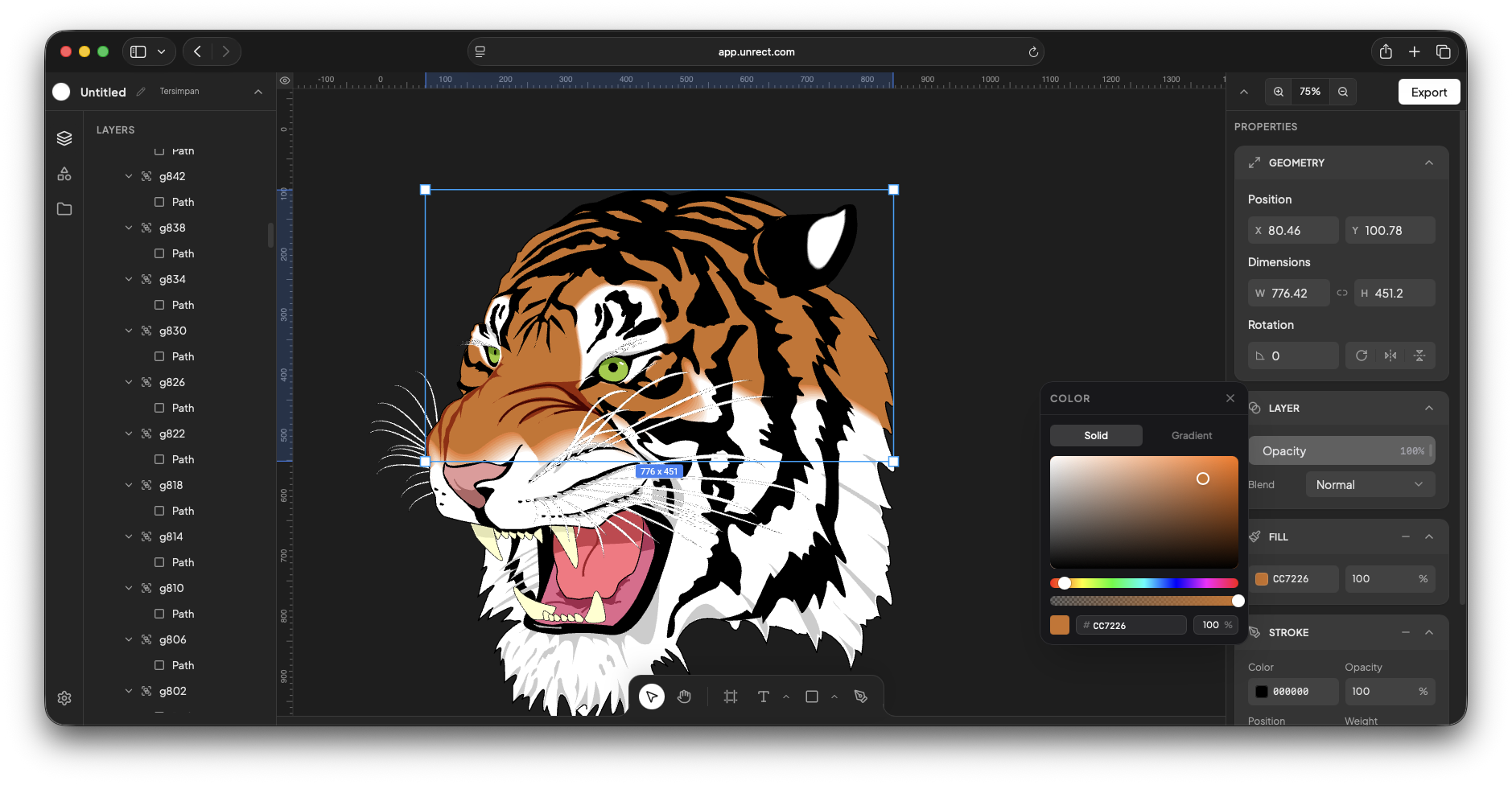
Unrect brings professional-grade vector editing and non-destructive layer effects directly to your browser.
What Unrect Can Do
Every tool.
One canvas.
Non-destructive filters & live effects
Apply real-time color grading, spatial blurs, displacement maps, and adjustment layers — tweak or toggle any effect anytime without modifying original source pixels.
Precision vector editing
Full Bezier curve manipulation, path anchor controls, and dynamic shape transforms built right into the canvas.
Bitmap & raster editing
Paint, retouch, and process pixel raster layers side-by-side with crisp vector graphics on a unified hybrid canvas.
Scale graphics without breaking proportions
Resize icons, logos, and UI components effortlessly. Stroke weights, corner radii, and shadow blurs scale automatically with your geometry — keeping your design perfectly balanced at any size.
Simple. Powerful.
Unrect is currently 100% free for all creators. No tiers, no hidden fees, no credit card required.
Common questions.
Does Unrect require any installation or plugins?
No. Unrect runs entirely in your browser with no plugins to download or install. Open a tab and start creating.
What is the .unrect file format?
The .unrect format is an open project file that stores every layer, node, effect, and asset in your canvas. You can share it with any Unrect user or back it up locally.
Which browsers are supported?
Unrect is fully supported on Chrome, Edge, Safari and Firefox.
Can I import files from other design tools?
Unrect supports importing SVG and PNG assets. Figma file import is not supported yet.
Is my data secure?
Projects saved locally stay on your device. Cloud-synced projects are coming soon. We never share or sell your data.